
Cables are permissions
Agents only talk to what they are connected to. Draw a cable to grant access to another agent, a note or a browser. Delete it to revoke.
Private beta · A dedicated VM for your agents
Cadrix Cloud gives you a dedicated server with Claude Code, Codex and Pi wired together on one canvas. Build from your desk, check in from your phone, and let the work continue while you are away, without touching infrastructure.
Works with the agents you already pay for
See it work
An illustration of a real session: ask an agent for a game, watch the tool calls, then play the result in a browser portal on the same canvas.
snake/index.html41 linessnake/game.js128 linespython3 -m http.server 8000 -d snakeservinghttp://127.0.0.1:8000/openIllustration of a session. The game is real: use the arrow keys or swipe to take over.
Desktop agent orchestrators are great, but they run on your laptop: agents pause when it sleeps, the preview dies when you leave, and your phone is just a window into a machine that has to stay awake.
Cadrix Cloud moves the whole thing to a dedicated server that is yours: the canvas, the agents, the repos and the running app. Kick off a task at midnight, review it over coffee, approve it from the bus.
How it works
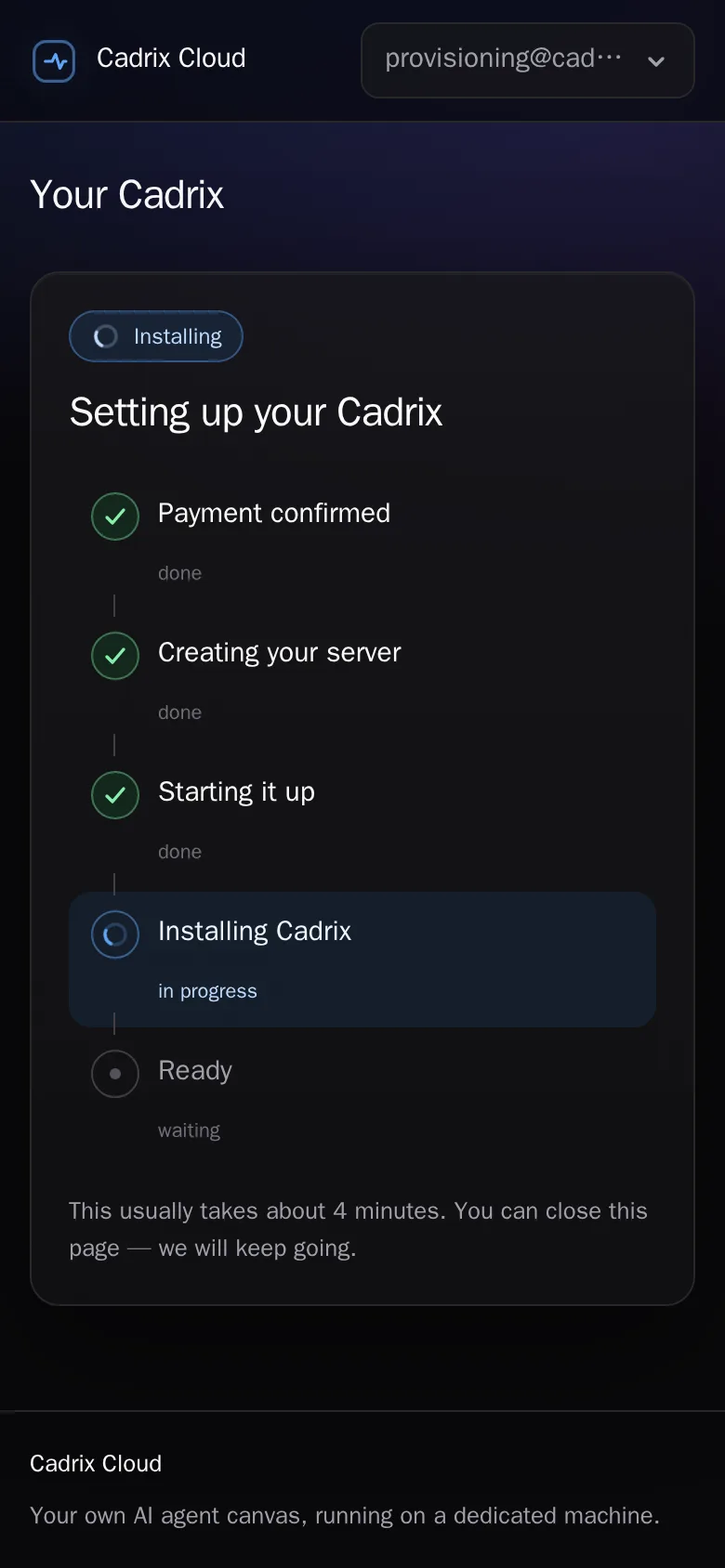
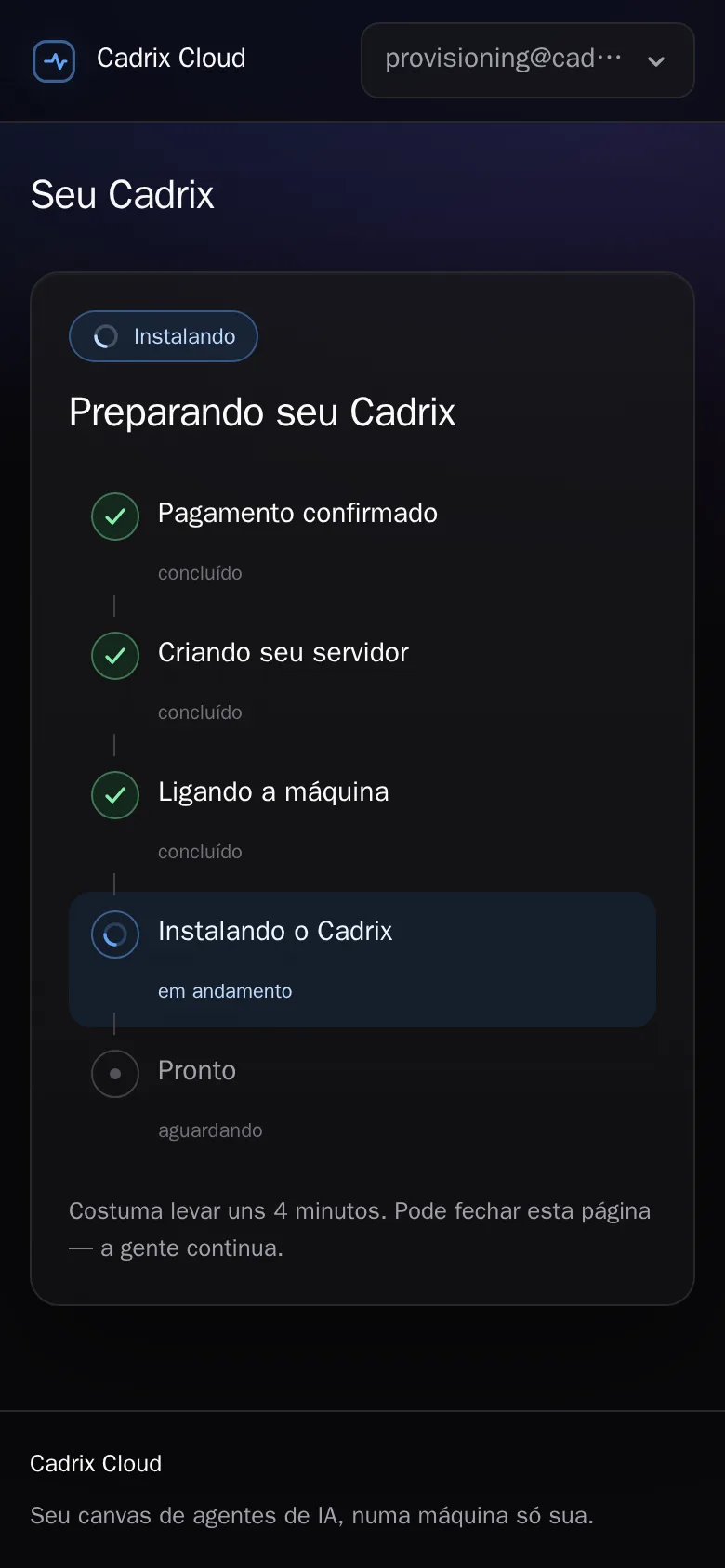
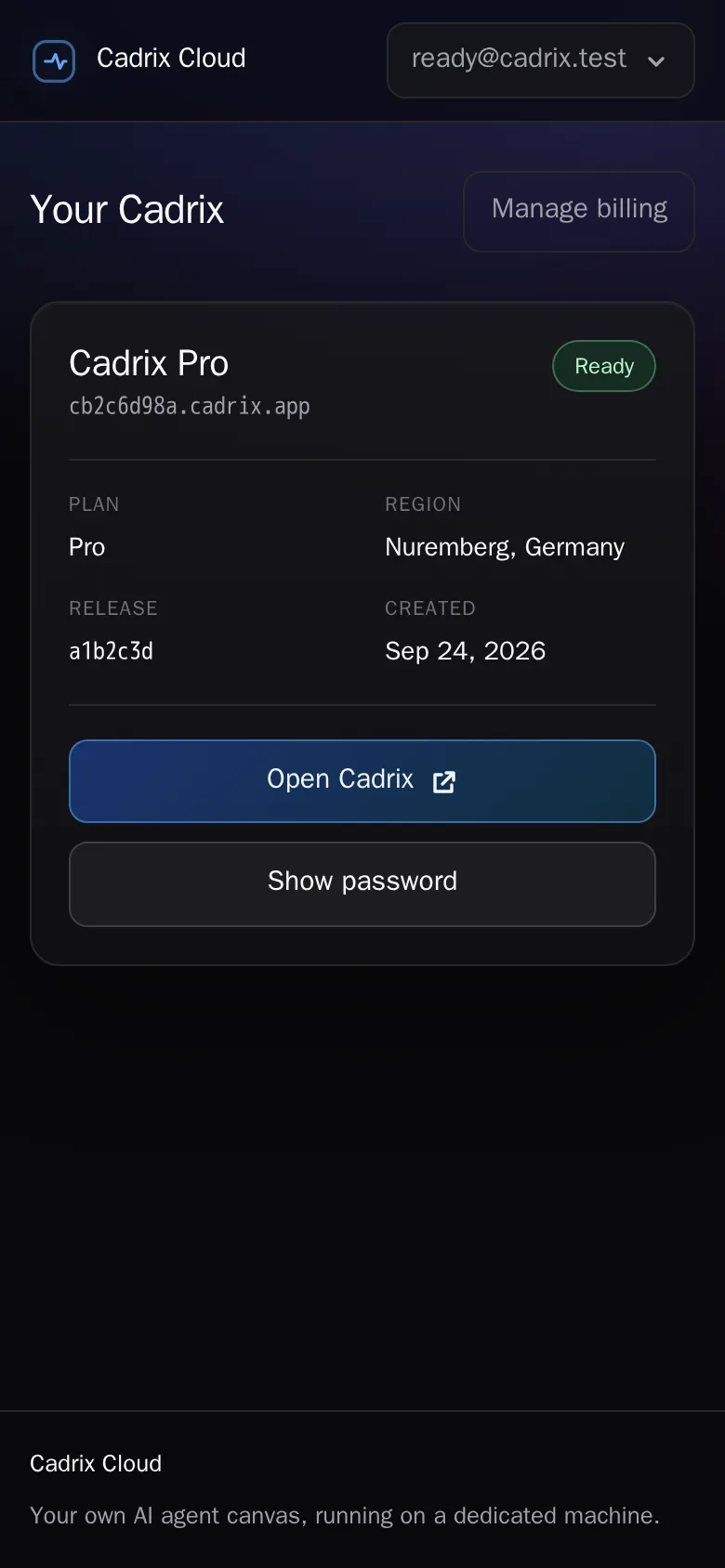
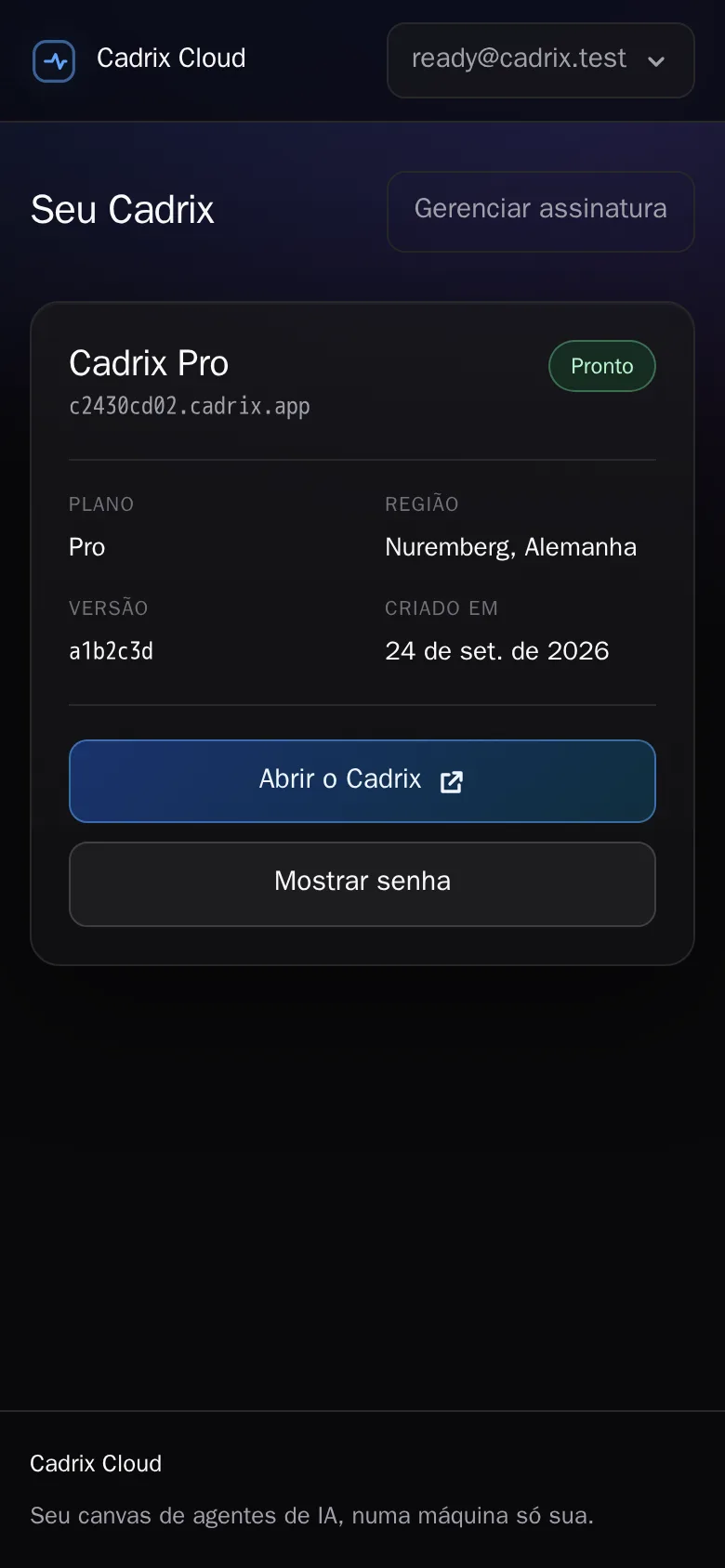
Sign in with a magic link, choose a plan, and we provision a dedicated VM with Cadrix and TLS already configured at you.cadrix.app. No Docker, no DNS, nothing to install.
Connect Claude Code with your Claude account, Codex with your ChatGPT account, or paste an API key. It happens inside your VM; we never see the token.
Drop agents on the canvas, connect them with cables, hand them a shared plan. Your app runs on the same server, with a real terminal when you want one.
Everything on one canvas
Agents only talk to what they are connected to. Draw a cable to grant access to another agent, a note or a browser. Delete it to revoke.
Promote one agent to manager. It recruits up to eight specialists with role presets, briefs them, and consolidates their results while you watch.
Real Markdown files pinned to the canvas. Plans, TODOs and handoffs that survive restarts, and that you can watch agents edit live.
A real Chromium your agents can drive: open, click, type, screenshot, read console logs. Contained per portal, visible to you.
Pair your phone with a QR code and follow every workspace from the mobile cockpit: see what each agent is doing and answer it from anywhere.
Every agent runs as a real tmux terminal or as a headless chat with tool cards, a timeline and clickable file paths.
Built-in HTTP client, Postgres and MySQL explorer, multi-workspace view and a code editor. The things you would otherwise open in five other apps.
Expose any running port as app.you.cadrix.app in one click, or point your own domain with a CNAME. TLS is automatic.
The workbench
Everything below runs on your VM, on the same canvas as your agents. No extensions to install, nothing to sync.
Cadrix Code: a Monaco editor with a file explorer, quick open, and source control with diffs and commits. The agents panel sits beside it, so you review a change and answer the agent in the same view.
Collections, environments and secrets. Import a Postman JSON, send requests, inspect responses.
Connect to Postgres or MySQL, write SQL with completion in a SQL book, page through results and export them.
Markdown notes with images, colors and chaining, grouped in binders. Agents read and write them; you watch the edits live.
A real Chromium on the canvas. Agents open, click, type and screenshot; you watch, take over, and read the console and network logs.
Turn the canvas into tmux-like panes: split right or down, tabs per pane, find any item by name, zoom into a single node when you need to concentrate.
Pin agents, notes and browsers from any workspace into one view. The layout is saved server-side and follows you to every device.
Your keys stay yours
Your Cadrix runs on a dedicated virtual machine, not a container on a shared box. Your repos, your agents' credentials and your data live on its disk. We operate the machine; we never proxy your model traffic and we never read your tokens.
Where it fits
| Cadrix Cloud | Desktop orchestrators | AI app builders | |
|---|---|---|---|
| Runs while your laptop sleeps | ✓ | ✗ | ✓ |
| Claude Code, Codex and Pi together | ✓ | ✓ | ✗ |
| Use your own subscription | ✓ | ✓ | ✗ |
| Real shell, real repo, any stack | ✓ | ✓ | ✗ |
| Agents coordinate each other | ✓ | ~ | ✗ |
| Control from your phone | ✓ | ~ | ~ |
| Zero infra to set up | ✓ | ✗ | ✓ |
| Your data on a machine that is yours | ✓ | ✓ | ✗ |
Pricing
Every plan is a dedicated VM with Cadrix, TLS and a you.cadrix.app address. Cancel any time.
$19/month
A focused pair of agents for everyday work.
Most popular
$39/month
Room for a small agent team and parallel browsing.
$79/month
The full Maestro team and heavy builds.
Bring your own Claude or ChatGPT subscription, or an API key. Model usage is billed by your provider, not by us.
FAQ
Yes. You connect Claude Code with your Claude account and Codex with your ChatGPT account inside your VM, exactly as on your laptop. Pi and any of the three also work with an API key.
You run the official Claude Code and Codex CLIs on a machine that is yours, like a VPS. Your tokens are stored only on your VM, encrypted; our control plane never sees them. Providers set their own terms and may change them; API keys are always the fully supported path and work the same way.
Everything a developer can: real shells, git, package managers, running your app, driving a browser. That is the point. Each workspace is an isolated VM, so what happens in yours stays in yours.
Yes. Clone from GitHub, GitLab or anywhere else with your own credentials. Workspaces are plain directories on your VM, and you have a terminal.
On your VM's disk, in datacenters in Germany or Finland. We never copy your repos or your credentials off the machine.
Yes. Write to [email protected] and we move your VM to the bigger size, with a couple of minutes of downtime. Self-service plan changes are coming.
Not in the app stores yet. Open your Cadrix in the phone browser and pair it with a QR code (workspace sidebar → Mobile devices) to use the mobile cockpit.
Cancel any time from the billing portal. When the subscription ends, the VM and its address are deleted, so push your repos somewhere else before you cancel.
A dedicated workspace in about four minutes. Cancel any time.